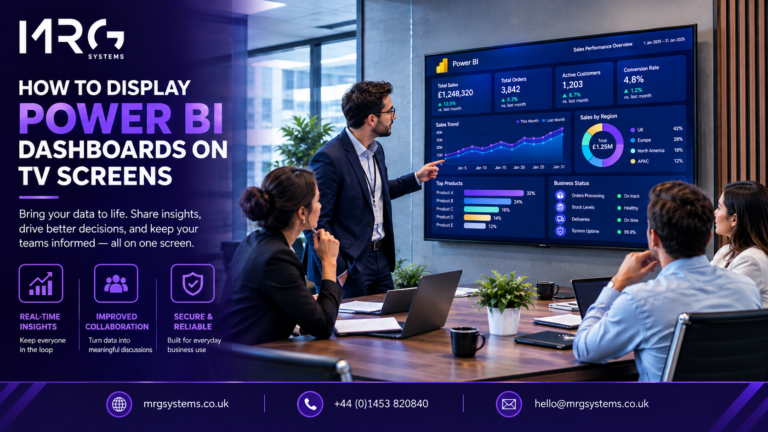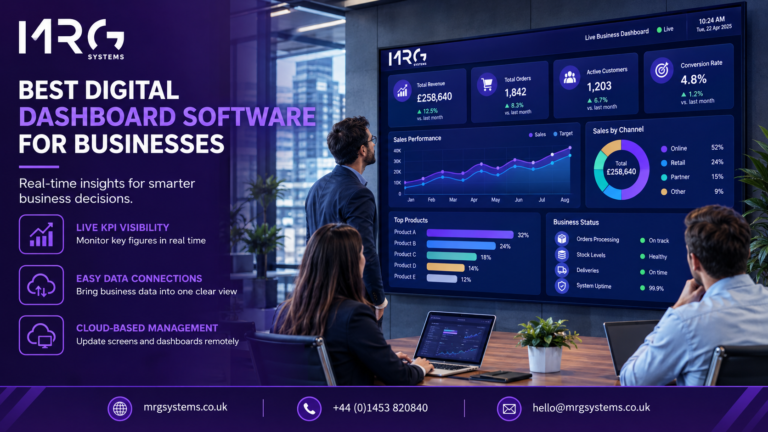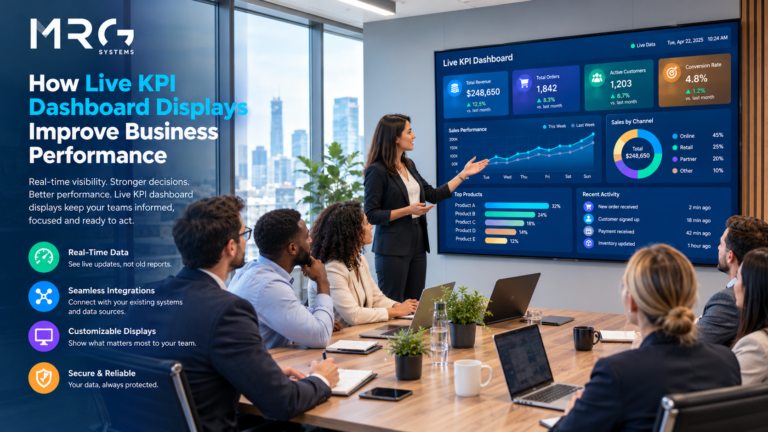

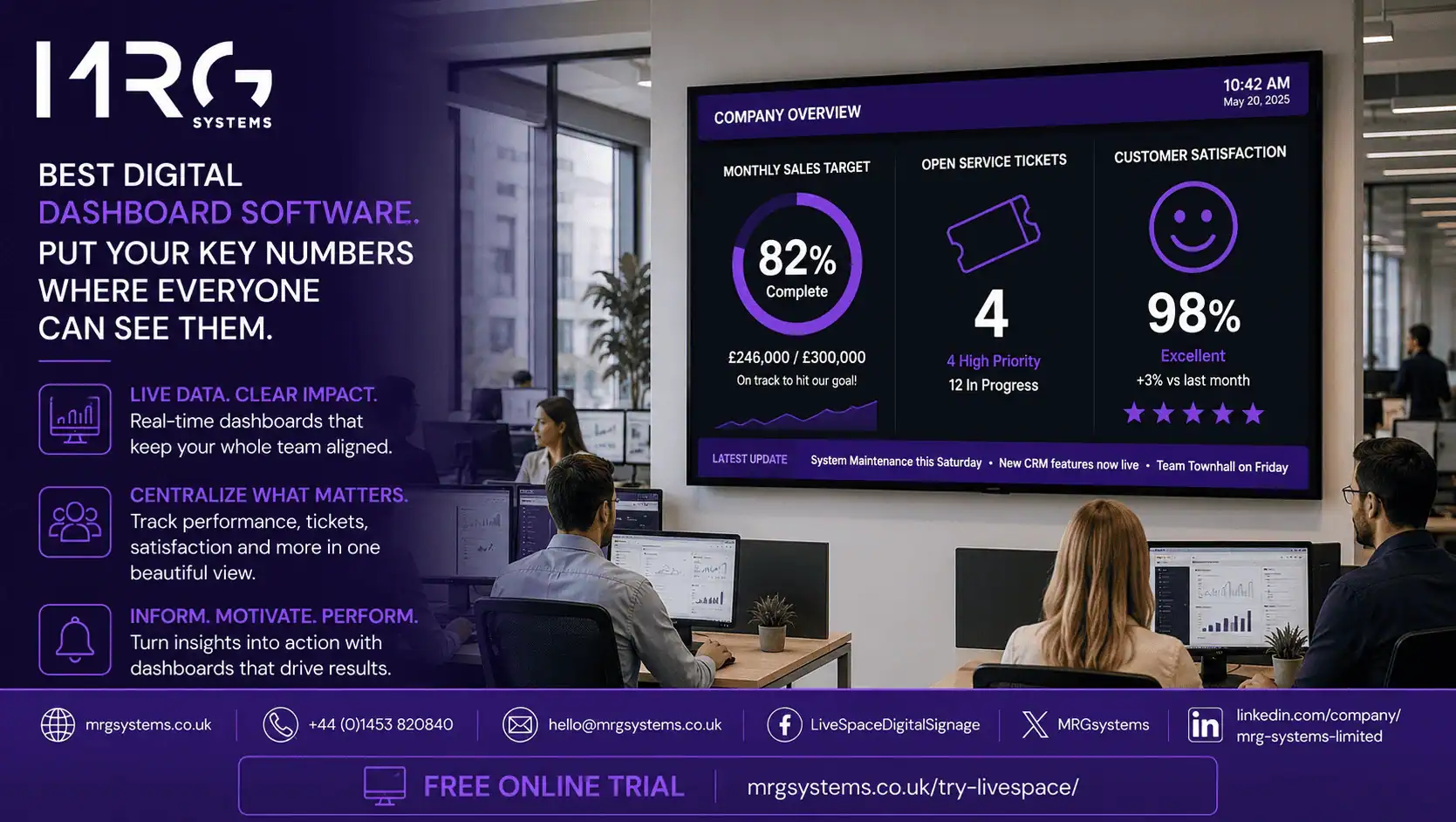
The best digital dashboard software for businesses is the software that puts your most important numbers in front of the people who need them, at the moment they need them, without anyone having to log in and look. For most UK firms that means live figures from the tools you already use (sales, finance, operations, customer service) shown clearly on wall screens in the office, the warehouse or the shop, and updated automatically. This guide explains what to look for, what to ignore, and how to choose a system that your team will actually use.
MRG Systems has supplied and installed screen based systems for UK organisations for many years, from single site firms through to national names. The advice below comes from that hands on experience, not from a product brochure.
Digital dashboard software collects data from your business systems, turns it into charts, gauges and simple figures, and displays it on a screen. That screen might be a laptop or a phone. Increasingly, it is a large TV on the wall that the whole team can see.
That last option matters more than people expect. A dashboard sitting in a browser tab gets forgotten. A dashboard on a wall mounted screen in the middle of the office is seen hundreds of times a day. This is why so many businesses now pair their dashboard tool with digital signage software. The dashboard tool builds the view, and the signage system puts it on the wall, keeps it live and manages every screen from one place.
• Everyone sees the same numbers at the same time, so there is less debate about whose spreadsheet is right.
• Problems show up within hours rather than at the month end.
• Targets become visible, and teams tend to work towards a number they can see.
• New staff learn what matters to the business simply by looking up.
• Managers spend less time producing reports and more time acting on them.
Want to see your own sales or service figures on a wall screen? Fill in the short enquiry form on this page and we will arrange a free demo using your data.
The first question is simple: where do your numbers live today? Common answers in UK businesses include Xero, Sage, QuickBooks, HubSpot, Salesforce, Shopify, Google Sheets and Excel. Good digital dashboard software connects to these directly. If you already use Power BI, Looker Studio or Tableau, the display system should be able to show those dashboards as they are, so nobody has to rebuild anything.
A dashboard that needs someone to press refresh is a poster, not a dashboard. Look for scheduled or live updates, and check how often each connection can refresh. Some data sources update every few seconds; others, such as accounting packages, may only allow a handful of refreshes a day. Both can be fine, as long as the screen shows when the data was last updated.
Dashboards designed for a laptop are often unreadable from three metres away. The best digital dashboard software for businesses offers large fonts, high contrast layouts, and the option to rotate between several views so that one screen can serve several teams.
Once you have more than two or three screens, walking around with a USB stick stops being funny. A cloud based digital signage platform lets you manage every screen from a browser: change what is shown, schedule content by time of day, and see at a glance whether any screen has gone offline.
Your screens should not only show charts. The same digital signage solutions can show welcome messages for visitors, health and safety reminders, staff birthdays, the weather, or a live news feed. Mixing content keeps people looking at the screen, which means they keep seeing the numbers too.
Wall screens are visible to anyone who walks past, so you need to control which figures appear where. Look for user roles, screen groups and the ability to show different dashboards in the boardroom, the sales floor and reception. Data should Digital Signage travel over encrypted connections, and the platform should support secure sign in to your dashboard tools rather than public links.
If every small change needs a developer, the dashboards will slowly go stale. Business owners and office managers should be able to swap a chart, update a target or add a notice in a few minutes.
Most modern commercial displays and many domestic TVs will work with a small media player. The key is choosing hardware rated for long daily use. A supplier that provides both the software and the screens, and installs them, removes a lot of guesswork.
A good media player keeps showing the last known content if the connection drops, and updates as soon as it returns. Blank screens in reception do not create a good impression.
Time zones matter when a screen goes dark at 9am on a Monday. Choose a supplier with UK based support and engineers who can visit if needed.
• Hundreds of chart types. Most business dashboards use five or six chart styles at most.
• Automated insights. These are useful in analysis tools but add little on a wall screen that is meant to be read in a glance.
• Complex per user licensing. Wall screens are shared by many people, so licences tied to individual logins can become expensive very quickly.
No. Many UK firms start with a single screen in the office showing three or four numbers, and grow from there. Digital signage solutions for small business are usually priced per screen, so a small deployment stays affordable. The main thing is to choose a cloud based digital signage platform that can scale, so you are not replacing the whole system when you open a second site.
Not sure where to start? Complete the enquiry form and one of our team will call you back to talk through the options for your size of business.
1. Write down the five numbers that matter most to your business this quarter. Not fifty. Five.
2. Note where each of those numbers lives today (accounting software, CRM, spreadsheet, and so on).
3. Decide where screens would have the most effect. Reception, the sales office and the warehouse are the usual starting points.
4. Ask each supplier for a demo using your own data, on a real screen, at the size you plan to install. A demo on a laptop tells you very little.
Pricing varies with the number of screens, the data connections required and whether you buy or rent the hardware. Some suppliers charge a monthly fee per screen; others sell the media players outright and charge for the software only. Installation and support are usually quoted separately. The honest answer is that a single screen setup is well within reach of a small firm, and a multi site rollout is cheaper per screen than most people expect. Ask for a written quote based on your actual screen count rather than relying on list prices.
There is no single best product for every firm. The right choice depends on where your data lives, how many screens you need and how much you want to manage yourself. For most UK businesses, the best digital dashboard software for businesses is a combination of a dashboard tool they already know, such as Power BI or Looker Studio, and Airport Digital Signage software that puts those dashboards on wall screens and keeps them live.
Yes. Most digital signage software can display these dashboards in full screen mode on a wall screen, and rotate them with other content. Secure sign in is handled by the media player, so you do not need to make your data public.
Usually, yes. Each screen needs a small device to receive content and show it. Some commercial displays have this built in. A supplier can advise which option is best for the screens you already own.
It can be, if you plan for it. Show summary figures rather than customer level detail, use screen groups so that sensitive numbers only appear in private areas, and choose a platform that uses encrypted connections and secure logins.
Start with one in the place where the most people will see it. Most firms add screens once they see the effect the first one has. A cloud based digital signage platform makes adding screens simple.
Yes. That is one of the main advantages of using digital signage solutions rather than a dashboard tool on its own. Dashboards, notices, video and live feeds can all share one screen on a schedule.
Choosing the best digital dashboard software for businesses is less about features and more about visibility. If the right people see the right numbers every day, decisions improve. Start with a small number of figures, put them somewhere everyone walks past, and pick a supplier who will support you as you grow.