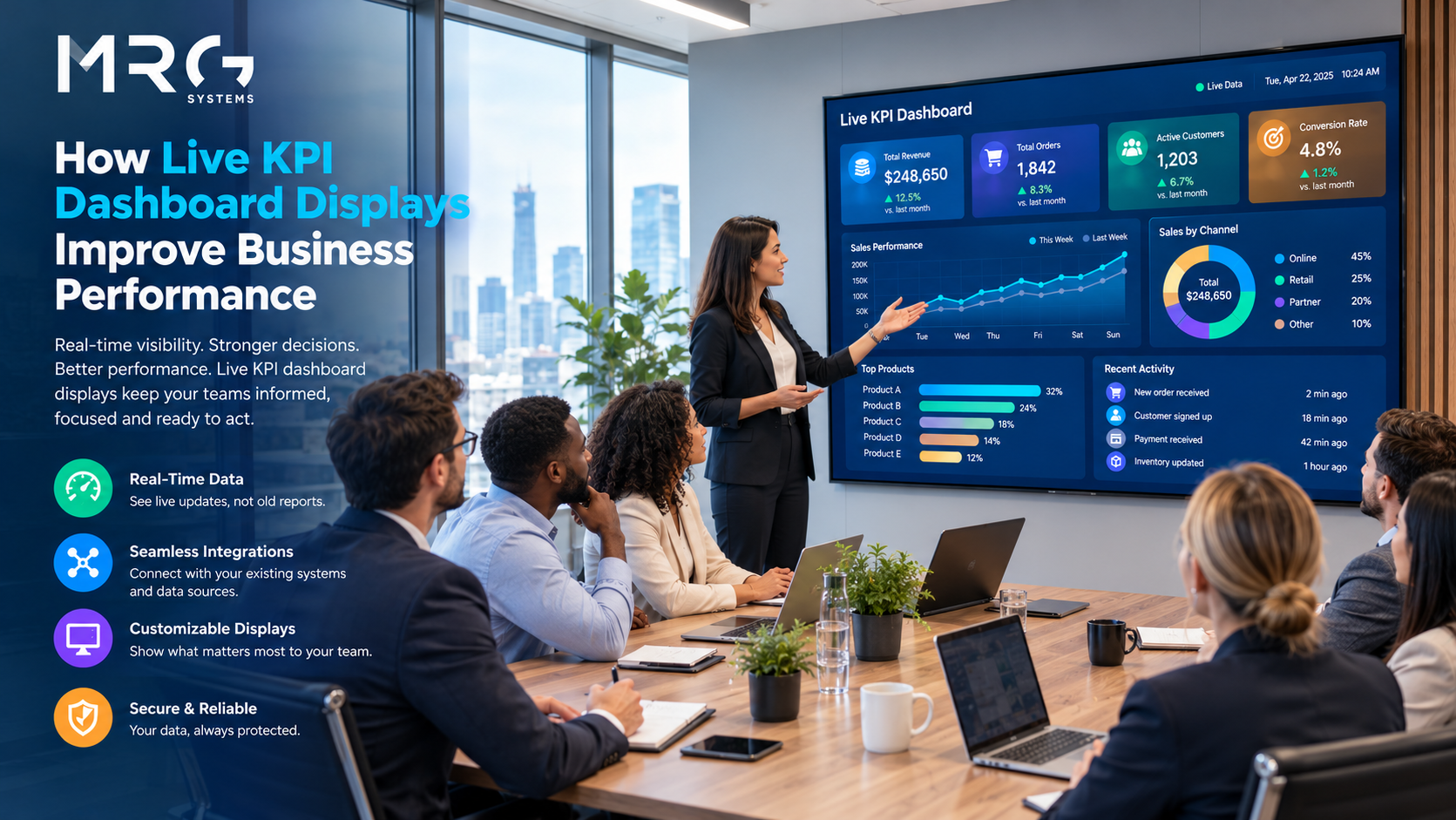
A key performance indicator only improves performance if the people who influence it can see it. In many organisations, KPIs are reviewed in a monthly pack, long after the moment when anyone could have acted. Live KPI dashboard display software changes that timing by putting current figures on screens where teams work, so that a problem is noticed during the same shift or the same morning rather than at the end of the month.
This article looks at what live KPI displays do, how to choose the right measures, how to design a screen that people will actually read, and where businesses most often go wrong. It is aimed at operations, manufacturing and corporate teams who want practical results rather than another reporting tool. Along the way it explains what to look for in live KPI dashboard display software, so that you can judge a supplier on how well the screens will work in practice.
Start the conversation. If you already have a team in mind that would benefit from live figures, you are welcome to describe it through the enquiry form on the MRG Systems Contact Us page, and we will suggest where to begin.
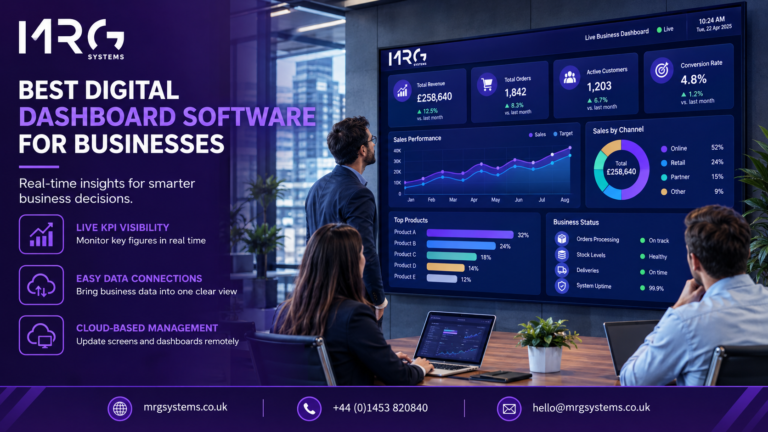
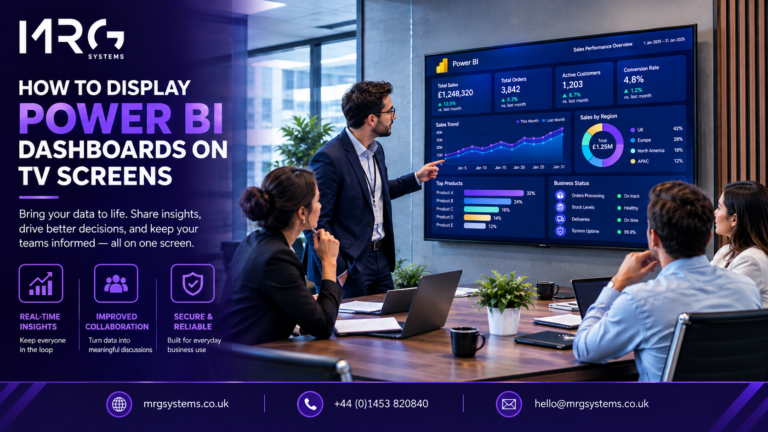
A live KPI dashboard display shows your most important measures on a screen that updates automatically. Instead of waiting for someone to compile a report, the display reads from your sales system, production counters, helpdesk or spreadsheets and refreshes the figures at an interval you choose. The result is a shared, current picture of performance that everyone in the room sees at the same time.
This is different from a dashboard that sits on one manager’s laptop. Because the figures are visible to the whole team, the display creates a common understanding of where things stand, which is often as valuable as the data itself. Live KPI dashboard display software is what keeps that picture current without anyone updating it by hand.
The screen does not improve anything on its own. What it does is remove delays and ambiguity, and those are the two things that usually hold performance back. Good live KPI dashboard display software tackles both by showing current figures against agreed targets.
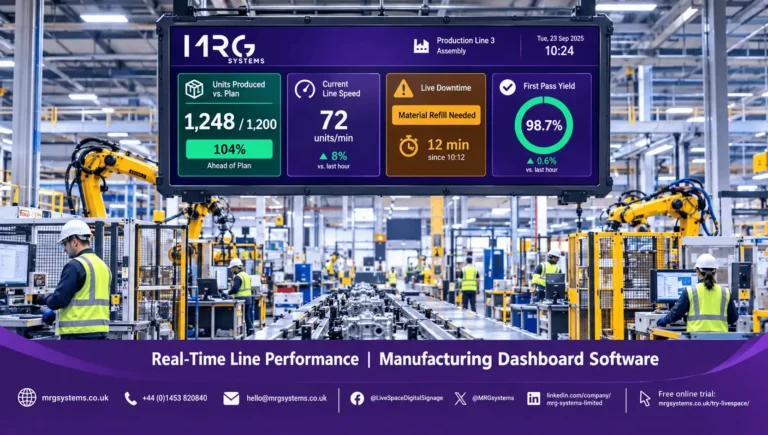
When a figure drifts away from target, the team sees it as it happens. A production line running below rate or a support queue that is growing can be addressed within minutes. A monthly report can only describe what has already been lost.
Showing each measure against a target, with colour coded status, removes the need for interpretation. Nobody has to ask whether a number is good or bad, because the screen already says so.
Managers who compile weekly figures by hand can spend that time on improvement instead. Once the data connection is set up, the display updates itself.
Many teams find that daily huddles become shorter and more useful when everyone is looking at the same live numbers rather than relying on recollection or opinion.
The temptation is to display everything. A useful screen has between four and eight measures, each of which the people looking at it can influence. Measures that only change once a quarter rarely belong on a live screen.
Some examples by function:
Agree the definition of each measure with the team before it goes on screen. If two people calculate the same figure differently, the display will cause arguments instead of action. Most live KPI dashboard display software lets you store the target and the definition beside each measure, which helps to avoid this.
A good KPI screen can be understood in a few seconds from across the room. That usually means large numbers, very little text, and a consistent use of colour. Red, amber and green against a target is familiar to almost everyone. A small trend arrow shows whether the figure is improving or slipping, which is often more useful than the figure alone.
Test the layout by standing at the furthest point where someone will view it. If you cannot read it comfortably, the numbers are too small or there are too many of them. If you have more measures than one screen can hold, rotate between two or three views every twenty to thirty seconds rather than shrinking everything. Check that your live KPI dashboard display software can rotate views automatically, because this saves staff from touching the screen.
Place the screen where the team naturally gathers or passes: at the entrance to a production line, in a break area, on an open plan floor or outside a meeting room. A screen in a corridor that nobody uses will not change behaviour.
The same thinking applies outside offices and factories. In shops and hospitality venues, store sales against target can be shown in the staff area using the retail digital signage that is already installed for customers, so that the team sees how the day is going without opening a laptop. Retail digital signage of this kind can show targets by department, by shift or by store, and the same network can carry customer promotions at other times of day.
Live KPI dashboard display software should connect to the systems that hold your figures, refresh them automatically, show them against targets, and manage the screens that display them. Many organisations use digital signage solutions to run the screens, because these handle scheduling, multiple displays and remote updates. LiveSpace from MRG Systems, for example, can combine live data with messages and images, and its cloud based management means changes can be made centrally rather than at each screen. Digital signage solutions also make it simple to show KPIs in the morning and announcements or promotions at other times. When you evaluate digital signage solutions, ask who manages the screens once the project is complete. Ask each supplier to show their live KPI dashboard display software running on a real screen with your own figures, and check that non technical staff can edit targets, because the figures on the screen will change as the business changes.
If your business already runs digital signage programs for internal communications or customer messages, adding KPI screens often requires new content rather than new hardware, which keeps the cost and the disruption low. Established digital signage programs usually have the network, screens and support arrangements in place already, so a KPI display can often be added as one more zone. Where you are planning new digital signage programs, leave room in the layout and in the budget for live data from the start.
See what a live display could show. If you would like to talk about which measures could be shown on screens in your workplace, you are welcome to complete the enquiry form on the MRG Systems Contact Us page.
In retail, start with a single store or department and use the existing retail digital signage in the back office. Retail digital signage hardware is often already installed, so in many cases only the content needs to change. Where a chain has many shops, a store by store view on the retail digital signage network lets area managers compare results without visiting each site.
Plan a first screen with us. If you would like help working out what to connect and where to place the first display, use the enquiry form on the Contact Us page and the team will come back to you.
Live KPI dashboard display software works best when it supports a habit that already exists, such as a daily huddle or a shift handover. Keep the number of measures small, show them against targets, put the screen where people will see it, and keep the data accurate. The improvement comes from what the team does with the information. Digital signage solutions that suit your environment will help you keep the screen running reliably, and the right live KPI dashboard display software will keep the figures accurate.
Request a demonstration. If you would like to see live KPI dashboard display software running on a real screen, ask the MRG Systems team for a walkthrough using the enquiry form on the Contact Us page.
A KPI dashboard is a single view of the key performance indicators that matter to a team or business, usually shown as numbers, gauges and charts against agreed targets.
Choose measures that the viewing team can influence in the short term, such as output, response times, orders or overdue items. Avoid measures that only change quarterly.
That depends on the measure. A production count may update every few seconds, while a sales total may only need updating every few minutes or once an hour. Set the refresh rate to match how quickly the figure can change and how quickly someone could act.
They can, but the screen itself does not change behaviour. The benefit comes from teams seeing current figures, understanding the targets and acting on them quickly. Results depend on choosing the right measures and using them consistently.
You need a commercial display, a media player or built in display software, a network connection and software that reads your data. Choose a screen with suitable brightness and protection for the environment, and place it where the team passes regularly. Many businesses add this to their existing digital signage programs.
It depends on viewing distance and how many measures you show. For a team area, a commercial display of around 43 inches or larger is common. For a large floor, several screens at different points often work better than one very large screen.
Between four and eight is a sensible range for most teams. If you need more, rotate between several views rather than crowding a single screen.
Involve the team when choosing the measures, make sure the figures are accurate, show targets clearly and use the display in regular meetings. Trust is built when the numbers match what people experience.
A metric is any measurement, such as the number of website visits. A KPI is a metric that is directly tied to an important business objective and has a target. All KPIs are metrics, but not all metrics are KPIs.
Yes, provided the software can connect to each source. This works well in shared areas or for leadership teams, although departments usually benefit from their own screen showing the measures they can influence.
Speak to the team. To discuss live KPI dashboard display software and live KPI screens for your business, call MRG Systems on 01453 820840, email hello@mrgsystems.co.uk or complete the enquiry form on the Contact Us page.