Most businesses already hold the information they need to make good decisions. The difficulty is that it sits in spreadsheets, accounting packages, customer records and operational systems that nobody has time to check every hour. Choosing the best digital dashboard software for businesses is largely about closing that gap, so that the right figures reach the right people without anyone having to ask for them.
This guide explains what digital dashboard software does, which features matter most when you compare options, and why it is worth thinking about where your dashboard will actually be seen. It is written for business owners and managers who want a practical view rather than a technical one. Throughout, the aim is to help you recognise the best digital dashboard software for businesses of your size, not simply the product with the longest feature list.
Start with a conversation. If you already know that you want live figures on screens in your workplace, the MRG Systems team can help you shortlist the right approach. Complete the enquiry form on the Contact Us page to begin.
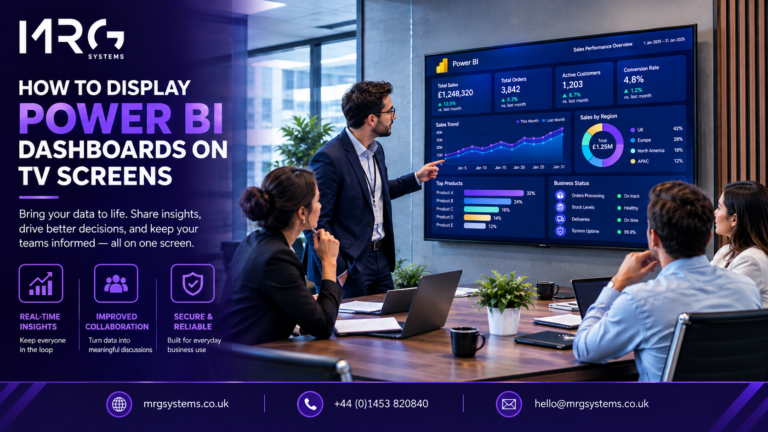
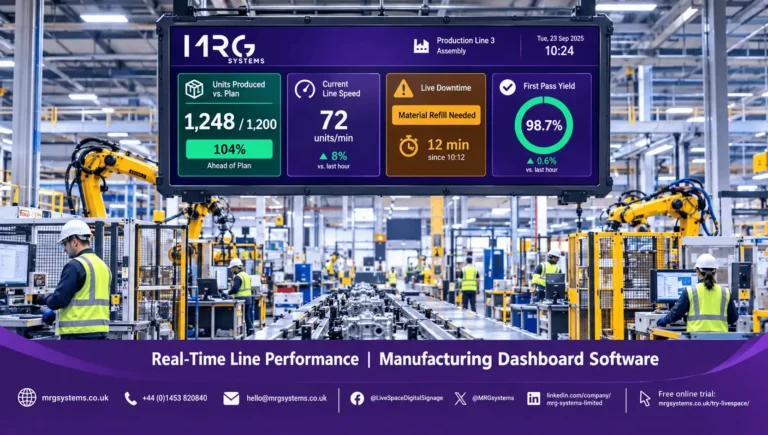
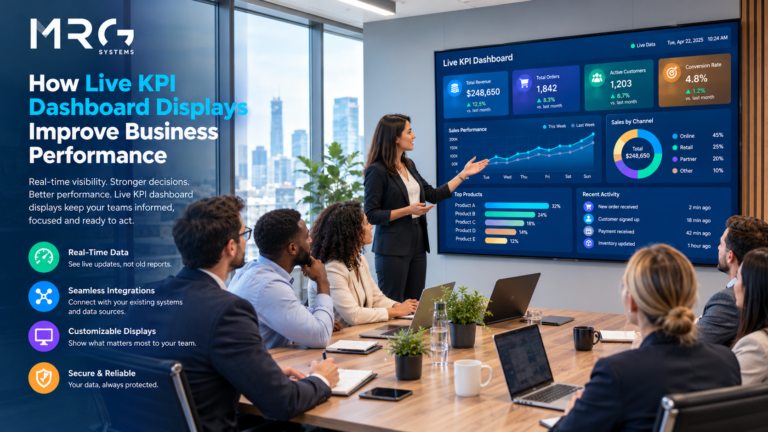
Digital dashboard software gathers information from the systems you already use and presents it as charts, gauges, tables and simple status indicators on a single screen. A good dashboard answers three questions quickly: are we on target, what has changed since yesterday, and what needs attention now. It should not need a specialist to interpret it.
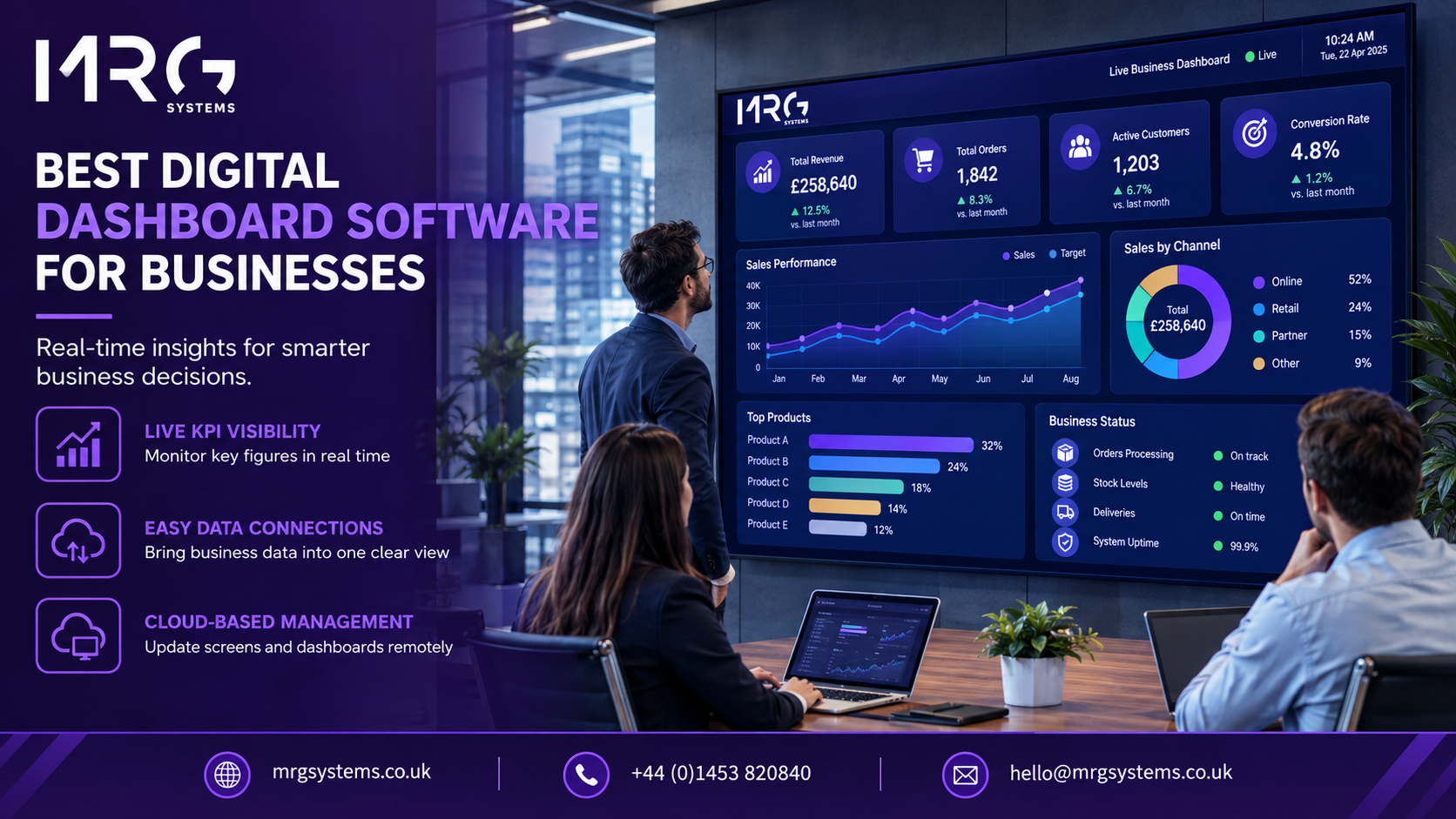
Dashboards usually take one of two forms. Some sit inside a browser tab and are opened whenever someone remembers to look. Others are placed on screens in offices, workshops and shared areas so that the information is always visible. The second approach is where digital signage solutions become relevant, because the same screens and scheduling tools that display messages and promotions can also carry live business data. Digital signage solutions of this kind are used by organisations of every size, from a single site to a national network. Choosing the best digital dashboard software for businesses therefore means thinking about display as well as analysis.
When you compare products, the feature list can feel endless. In practice, a small number of capabilities decide whether a dashboard becomes part of the daily routine or is quietly forgotten. Use the following points as a checklist when you assess the best digital dashboard software for businesses on your shortlist.
Check that the software can read from your spreadsheets, databases, accounting system, CRM and any reporting tools such as Power BI. If it cannot, someone will end up copying figures across by hand, and the dashboard will be out of date within weeks.
Some figures need to update every few seconds, such as a production count or a call queue. Others, such as monthly revenue, only need a daily refresh. Good software lets you set this separately for each data source, so you are not paying in cost or complexity for speed you do not need.
Look for a choice of charts, gauges, counters and colour coded status indicators that you can arrange without writing code. Red, amber and green against a target is often the most useful device of all, because anyone can read it from across a room.
Finance may need margins and cash flow, while the sales team needs pipeline and orders. The software should let you create different views for different audiences and control who can edit them. Ask how data is protected when it is shown on a shared screen.
If every change needs a developer, the dashboard will not keep pace with the business. A manager should be able to adjust a target, swap a chart or add a new figure in minutes.
A dashboard on one laptop helps one person. A dashboard on a wall screen helps a whole team. Ask whether the software can drive TVs and displays directly, how it handles several screens at once, and whether content can be scheduled. This is where digital signage software earns its place. Platforms such as LiveSpace from MRG Systems are built to manage content across many screens from one location, and they can take in live data feeds alongside images, video and messages. Good digital signage software also keeps working when nobody is watching: it schedules content, monitors each screen and recovers after interruptions.
With a cloud based digital signage platform, you can update what appears on any screen from a web browser, without visiting the site or touching the hardware. For businesses with more than one location, that saves time and keeps displays consistent. A cloud based digital signage platform also removes the need for servers on site, which suits businesses with limited IT resource. Most providers charge a monthly or annual subscription for a cloud based digital signage platform, which makes the cost easier to plan than a large upfront purchase.
Software is only as useful as the help behind it. Ask how long the supplier has been operating, who supports you after installation, and whether they can show you similar projects. MRG Systems has been helping organisations with display systems since 1983, and its clients include Places Leisure, Farnborough Airport and the Houses of Parliament.
A small business rarely needs a full analytics suite. It needs three or four figures it trusts, shown clearly and updated automatically. Digital signage solutions for small business can be a sensible route here, because a single screen, a simple subscription and a handful of live figures can deliver most of the benefit without a large project. For a team of ten or twenty people, digital signage solutions for small business often come down to one screen in a shared area showing live sales, orders or enquiries. When you speak to suppliers, ask whether their digital signage solutions for small business can grow with you, so that you do not have to replace the system when you add a second screen or a second site.
Larger organisations tend to have different priorities: many data sources, several sites, strict permissions and an existing reporting tool they want to keep. In that case the usual approach is to leave the analysis in the tool your analysts already use and to use display software to put the results in front of people. Digital signage software that can manage groups of screens by site or department is particularly useful here, and the same digital signage solutions can then be extended across many locations without changing how content is managed.
See it on your own screens. If you would like to understand how live figures could be shown across your premises, you are welcome to complete the enquiry form on the MRG Systems Contact Us page, and one of the team will talk you through the options.
The most common problem is showing too much. A screen with thirty figures is read by nobody, so choose the five to eight that drive decisions and leave the rest for reports. The second is placing the screen where nobody walks past it. The third is having no owner, so that targets drift out of date and people stop trusting what they see. Assign one person to review the dashboard each month. Even the best digital dashboard software for businesses will not help if the screen is poorly placed or has no owner.
If you are comparing suppliers, ask each one to show a working example on a screen using your own figures. Digital signage solutions for small business, and digital signage software for larger estates, should both be demonstrable within a short pilot.
Talk through your requirements. If you are not sure which figures to start with or how your systems would connect, the MRG Systems team can help you plan a first display. Use the enquiry form on the Contact Us page to get in touch.
The best digital dashboard software for businesses is the one your team will actually use. That usually means software that connects to your existing data, is simple to edit, and can be displayed where people will see it every day. Start small, keep the number of figures low, and review the dashboard regularly. A cloud based digital signage platform, a short list of trusted figures and a named owner will take you most of the way.
Request a walkthrough. When you are ready to compare options, MRG Systems can show you how the best digital dashboard software for businesses looks when it is running on real screens. Send your details through the enquiry form on the Contact Us page and the team will arrange a conversation.
It is software that pulls information from your business systems and shows it as charts, gauges and status indicators on one screen, so you can see performance at a glance without opening several reports.
There is no single answer, but look for software that connects to the tools you already use, can be edited without technical help and offers simple pricing. Starting with one screen and a few figures is usually enough. Ask suppliers to show how the best digital dashboard software for businesses like yours would look on a single screen.
A report is a detailed record, usually produced at set intervals and read in depth. A dashboard is a live or regularly refreshed summary of the few measures that matter, designed to be understood in seconds.
Prioritise connections to your existing systems, adjustable refresh rates, clear visuals, role based access, easy editing, support for TVs and wall screens, and dependable supplier support.
Costs vary with the number of users, data sources and screens. Some tools charge per user and others per screen. Ask for the total cost over three years, including setup, support and any hardware, so that you can compare like with like.
Most good products can read from spreadsheets and common databases. Always confirm the specific connections you need, and ask how often the data refreshes.
Both are capable analytics tools, and the better choice depends on your existing systems, budget and team skills. Many organisations use one of them for analysis and a separate display platform to show the results on screens.
Yes. A TV or commercial display connected to a media player and display management software can show a dashboard continuously. Cloud based management lets you update the content remotely. Digital signage solutions designed for this purpose handle the screen management for you.
Cloud software is usually quicker to set up, easier to update and does not need servers on site. On premise software can suit organisations with strict data rules. Your IT team can advise which fits your policies.
A simple dashboard with a few data sources can be running within days. Larger projects with many systems, sites and permissions take longer. Starting with a pilot screen keeps the first stage quick.
Ready to talk? If you would like advice on choosing the best digital dashboard software for businesses and putting it on screens, call MRG Systems on 01453 820840, email hello@mrgsystems.co.uk or complete the enquiry form on the Contact Us page.