
Share public information, service updates and emergency alerts across your buildings with digital signage from MRG Systems. Keep messages clear and make it easier for staff and visitors to find the information they need.
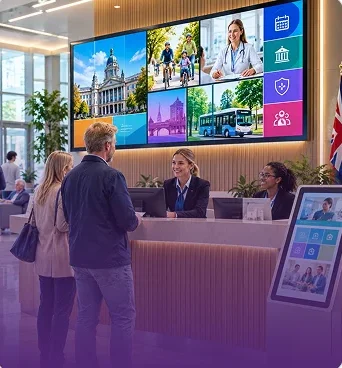
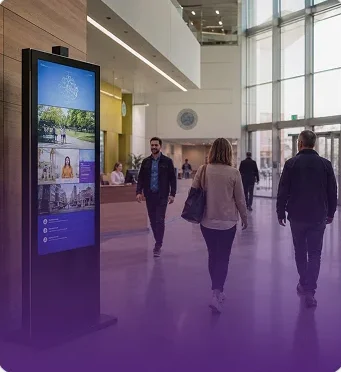
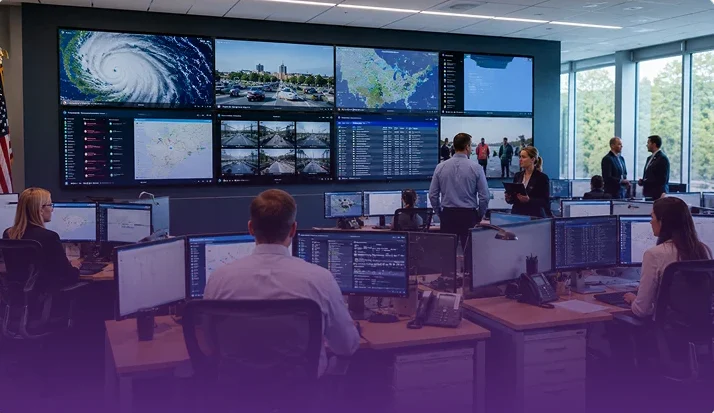
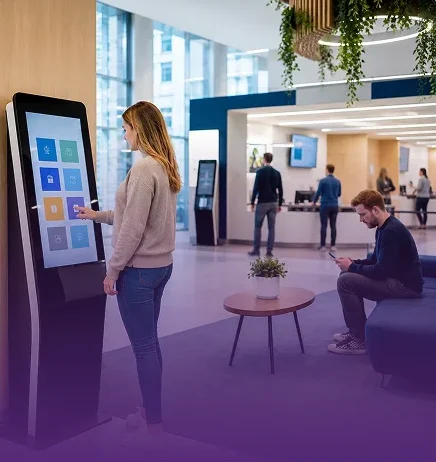
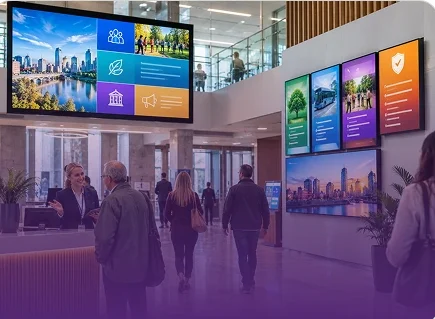

MRG Systems' digital signage is trusted within the Houses of Parliament estate to share public information and emergency alerts. See how digital signage supports communication in a high-profile public sector environment.
The ability for us to remotely manage the digital content from our base in Gloucestershire is a massive benefit.
MRG replaced the existing fifteen-screen digital signage system in Parliament with an updated solution, while retaining the existing fixings wherever possible.
The new system provides modern digital signage with dynamic displays, while allowing the existing data feeds to remain in place and providing flexibility for future updates.
Help staff, visitors and the public stay informed with digital signage designed around your building's needs. Talk to MRG Systems about sharing important updates and managing screen content across your organisation.
Public buildings carry a lot of information, and most of it changes. Opening hours move, a service closes for a day, a meeting gets rescheduled. With digital signage for government, your team updates every screen from one dashboard. The public and your staff see what is true today, not what was printed last month.
MRG Systems has been building screen systems in the UK for 43 years. LiveSpace is our own software, and it runs more than 25,000 connected screens. Our UK team builds it, installs it and looks after it. Book a demo or start a free trial and see it working.
What is digital signage for government?
It's a set of screens in public buildings, all managed from one system. They give visitors service information, directions and queue updates, and they give staff news and notices. Authorised people use a dashboard to pick what shows and where. Nobody has to print, pin up or swap notices by hand.
It suits a single office or a whole estate. The idea is the same at any size. Update once, and every screen follows.
Put them where people wait, ask questions or pass through.
Each screen can show its own content. Reception carries a welcome and opening hours, a waiting area shows queue info, and a staff corridor shows today's changes. Digital signage for government works best when every screen has one clear job, and you decide what it is.
The best public screens answer the questions people would otherwise ask your front desk. Common choices are:
Keep each message short. Visitors read a screen for a few seconds, and plain wording beats clever design. Schedule content ahead, so a notice appears on the right morning and comes down when it expires. Old information on a public screen costs you trust, so out-of-date notices should never stay up.
One habit helps a lot. Give a named person the job of keeping each screen current, and check them at a set time every week. It only works if someone owns the content.
Book a free demo, or start a free trial of LiveSpace. No commitment.
Everyone who walks in reads public screens. Some are in a hurry, some don't know where to go, and some find reading hard. Large text, strong contrast and short sentences help more people take in a message at a glance. We help you plan layouts with that in mind.
A first-time visitor should be able to follow it easily. If you need content in more than one language, mention it in the consultation and we'll go through what is possible.
Government teams ask careful questions about any system that touches their network, and they should. LiveSpace is cloud based and runs from one dashboard, so you control every screen and location from one place. You can schedule content ahead, change it in seconds and check how it performs with analytics.
Who can edit what is a big question for a public body. Tell us how your teams work and we'll go through the options for access. If your IT or security team has questions about hosting, access or data, bring them to the consultation. We'll answer them directly, before anything is installed. Clear answers matter here, and we'd rather give them early.
Screens only help if they work when the doors open. After installation we monitor your network, give same-day support from our Gloucestershire headquarters and keep the platform updated. Our own UK team built LiveSpace, so you speak to the people who work on it every day.
These are usually long projects, so we plan for support from the start. We've been doing this for 43 years and we expect to be around for the next ones.
MRG Systems works with more than 100 organisations across retail, healthcare, transport, education, hospitality and corporate workplaces. Houses of Parliament is one of them. [Add two or three lines on what we installed there and what changed, once the wording is approved.]
On a different kind of site, Places Leisure swapped posters and leaflets for more than 43 LiveSpace screens. They reported a 60 percent increase in engagement across 100,000 members. Same idea in a government building: replace the notices people walk past with something they notice. [Read the case study]
Every project follows the same four steps.
Tell us about your buildings, your teams and what the public needs to see. We'll listen, look at what you have now and show you how LiveSpace can help. No commitment, and you speak to our UK team from the first call.